Overview
The tdda package provides Python support for
test-driven data analysis
(see 1-page summary
with references, or the blog, or the book).
The
tdda.referencetestlibrary is used to support the creation of reference tests, based on eitherunittestorpytest.Semantic Equivalence. Reference tests allow checking outputs for semantic equivalence rather than identical objects. Tests can be parameterized to specify what is allowed to vary.
File-based Comparisons. Strings and data frames can be compared against reference outputs in files. When tests fail, the in-memory datastructures are written to file and suitable
diffcommands proposed.Automatic Rewriting of Reference Results. When behaviour is updated, reference results in file can be selectively rewritten after verification.
Tagging of Tests. Tests and test classes can be tagged, and run selectively without naming them on the command line. The list of failing tests from
tdda.referencetestruns can also be logged automatically, and used to tag failing tests for selective re-running.
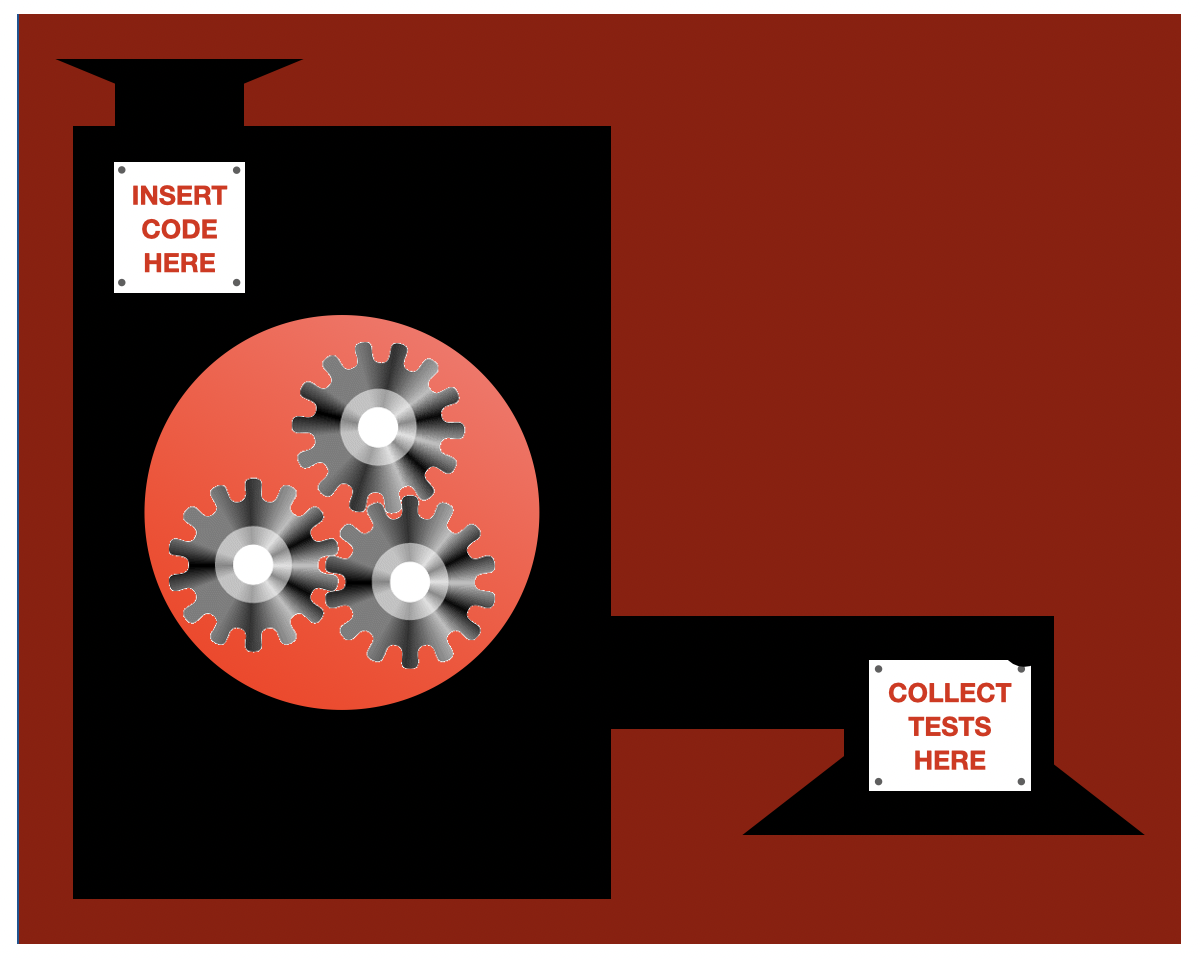
The
tdda gentestutility usestdda.referencetestto generate tests for any command-line command (scripts and programs in any language). These tests can check a variety of kinds of output, including output tostdout, tostderr, and to files, and can cope with some variation in outputs (semantic correctness)..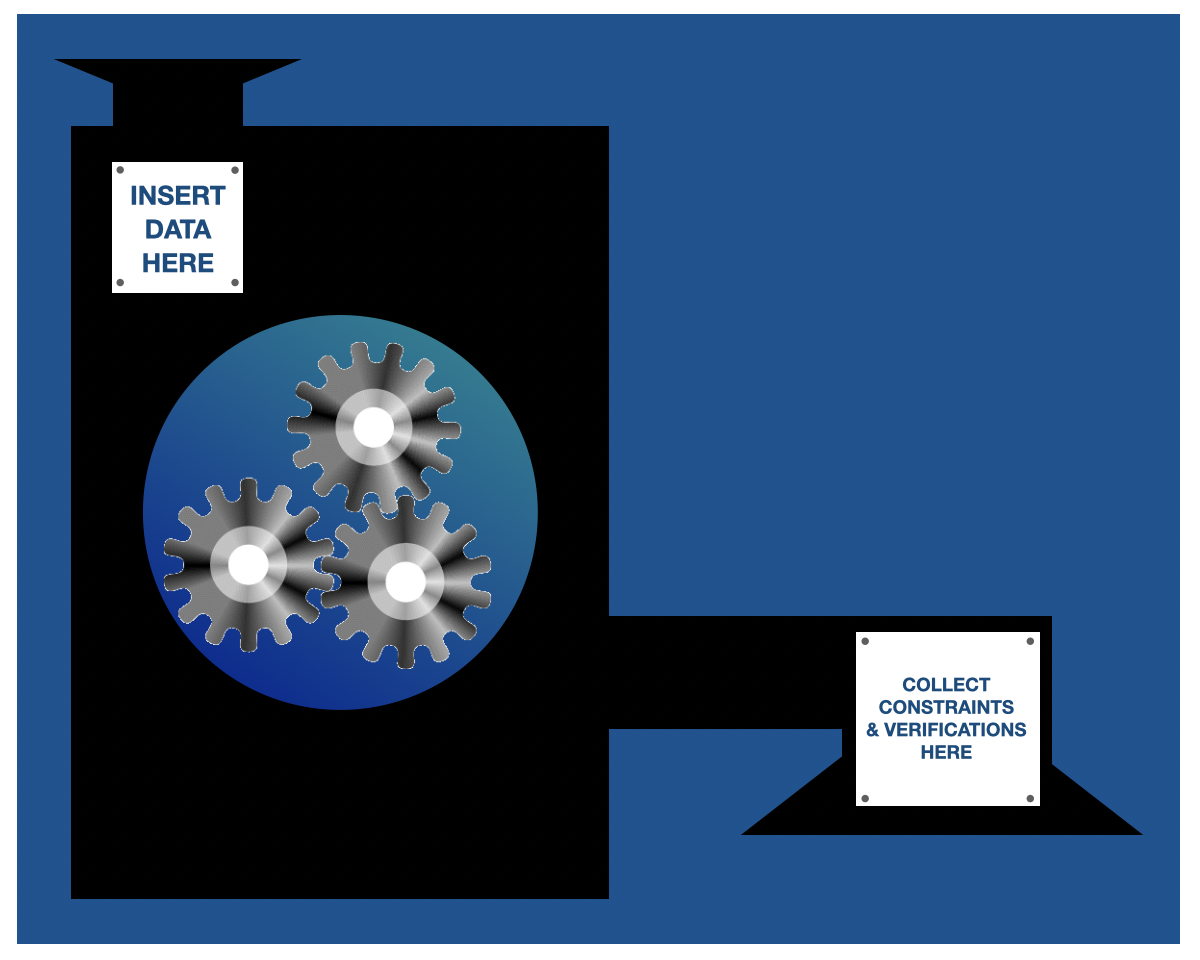
The
tdda.constraintslibrary and command-line tools are used todiscover constraints from a (Pandas) DataFrame, and write them out as JSON (
tdda discovercommand).verify that datasets meet the constraints in the constraints file (
tdda verifycommand).detect individual records/values that fail to meet the constraints (
tdda detectcommand).
As well as data frames in parquet files and flat (CSV) files, it also supports tables in a variety of relational databases without extraction. There is also a command-line utility for discovering and verifying constraints, and detecting failing records.
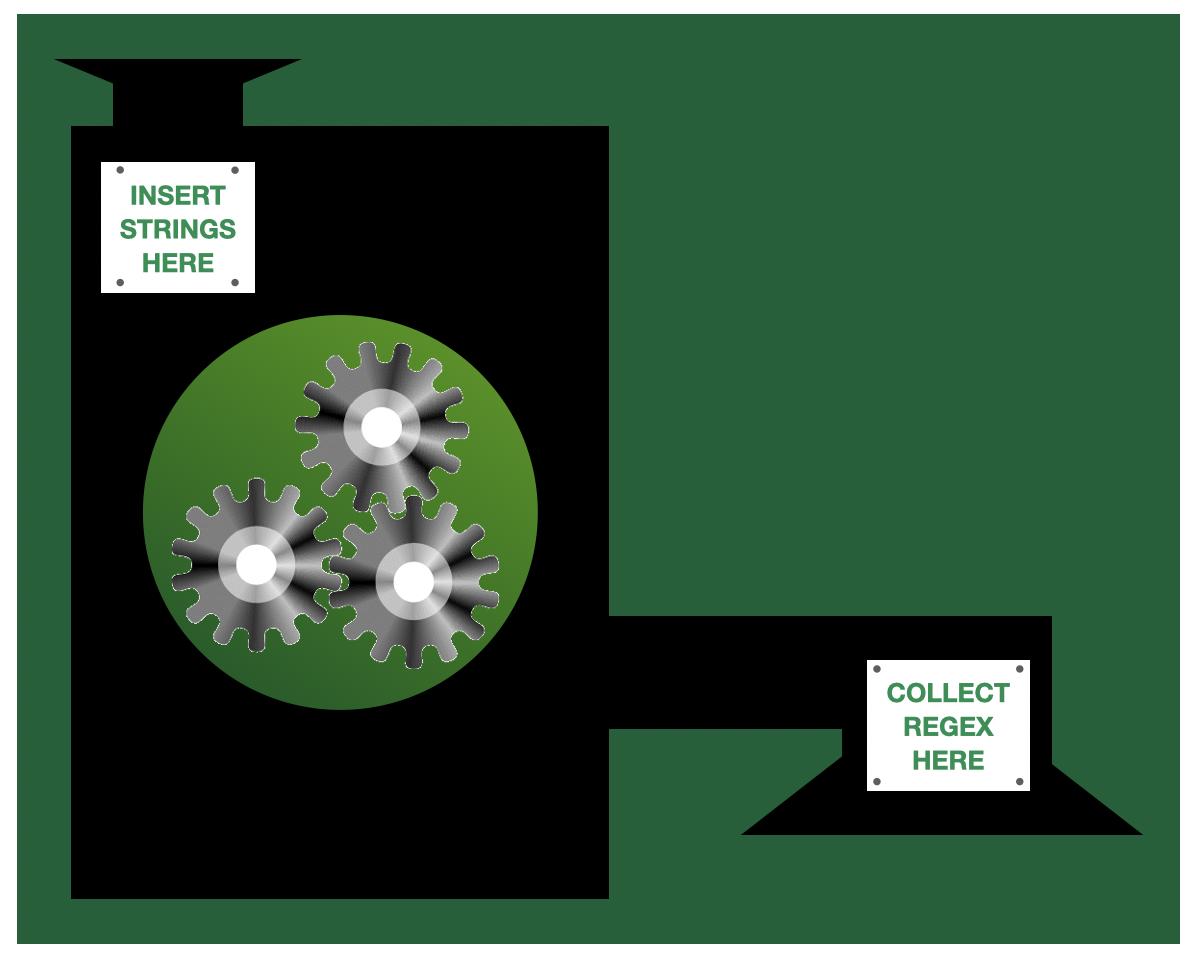
The
tdda.rexpylibrary is a tool for automatically inferring regular expressions from a column in a Pandas DataFrame or from a (Python) list of examples. There is also a command-line utility for Rexpy (rexpycommand)...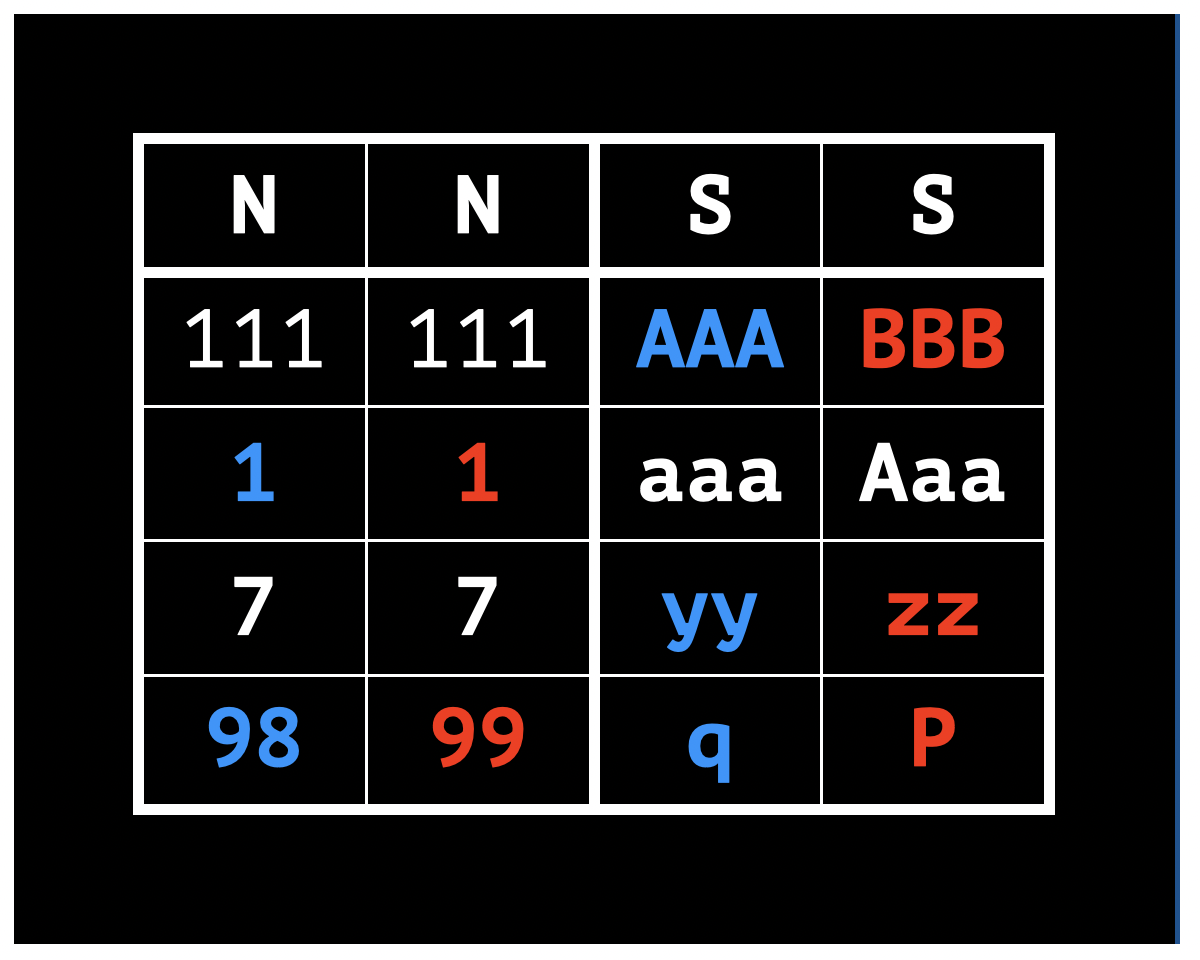
The
tdda difftool can compare data frames in Parquet files and/or flat files and report differences in a visual format a bit like a visual diff for text files. Command-line options and other specifiers control what differences are reported, and how...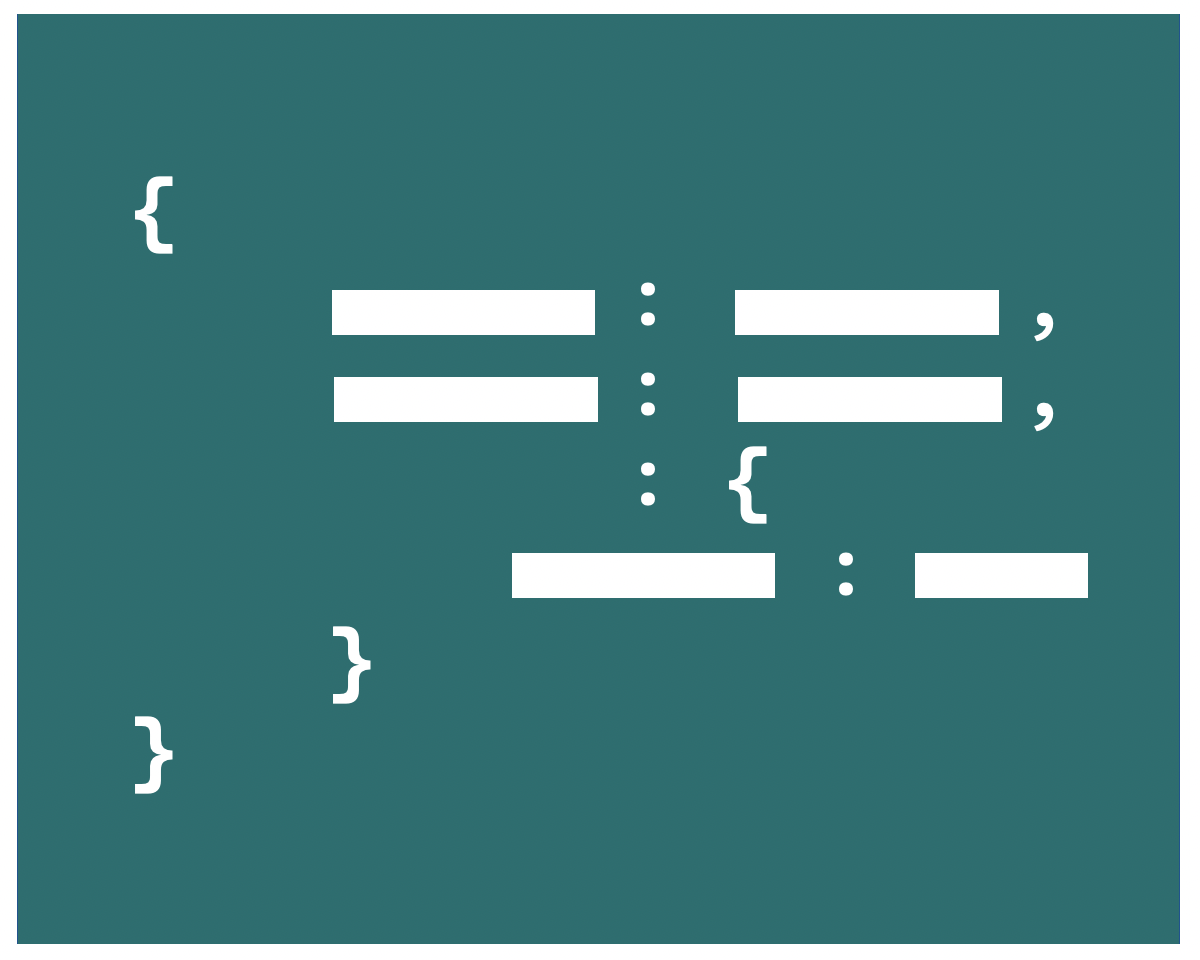
The
tdda.serialformat allows the documentation of CSV and other flat-file formats in use in the companion.serialfile for more accurate and portable reading and writing of flat files. Thetdda serialcommand provides functionality for reading and writingtdda.serialmetadata, as well as for reading and writing CSVW and Frictionless metadata, and for converting between these various metadata formats.The
tddautility functions provide tools for normalization and measurement of Unicode text. This includes:Normal Form TK. Normalization functions for Normal Form TK, an extension of Unicode Compatibility Normalization (normal forms KC and KD).
Glyph counting (as opposed to character counting) in strings.
RFC 9839 support. Implementation of RFC 9839's recommendations for removal or replacement of deprecated Unicode characters in input data.
Although the library is provided as a Python package, and can be called through its Python API, it also provides command-line tools, which are installed when the module is installed.